The software
people live in.
Most of my work is software that someone opens at 8am and closes at 5pm. A teacher running a lesson. An engineer modelling a solar and battery site. A supervisor building next week’s roster.


Brands I’ve worked with


Different industries, same problem
The industries change. The problem doesn’t. When people use a product all day, every rough edge costs them minutes, and every minute shows up in adoption, support tickets and renewals.
Below are the areas I know best, what’s hard about designing for each, and the work behind it. If your product sits near one of them, I’ve probably solved a version of your problem before.
AI products
From AI-built prototype to a product people pay for
AI tools have made the first version cheap. A founder can now go from idea to working demo in a weekend.
The demo is the easy part. What breaks is everything a demo never meets.
The second user
The flow made sense to the person who built it. A stranger gets lost on screen two.
The unhappy path
Empty states, failed imports, half-finished forms, a lost connection. AI-built apps usually handle the case that was tested and nothing else.
Consistency
Every prompt produced a slightly different button, table and modal. Twenty screens in, it feels like five apps.
Onboarding
Nobody explained what the product is for, so new users leave before they find out.
Security is part of the same gap. In a scan of 5,600 public apps built on vibe-coding platforms, Escape found more than 2,000 vulnerabilities and 400 exposed secrets. That’s an engineering job, but it comes from the same habit: shipping what works in the demo.
What I do: a fixed-scope review of your prototype, then a sprint to turn it into a product. Flows, states, onboarding and a small design system your AI tools can follow, so the next 50 screens stay consistent. More on design for AI-built apps.
Designing AI features
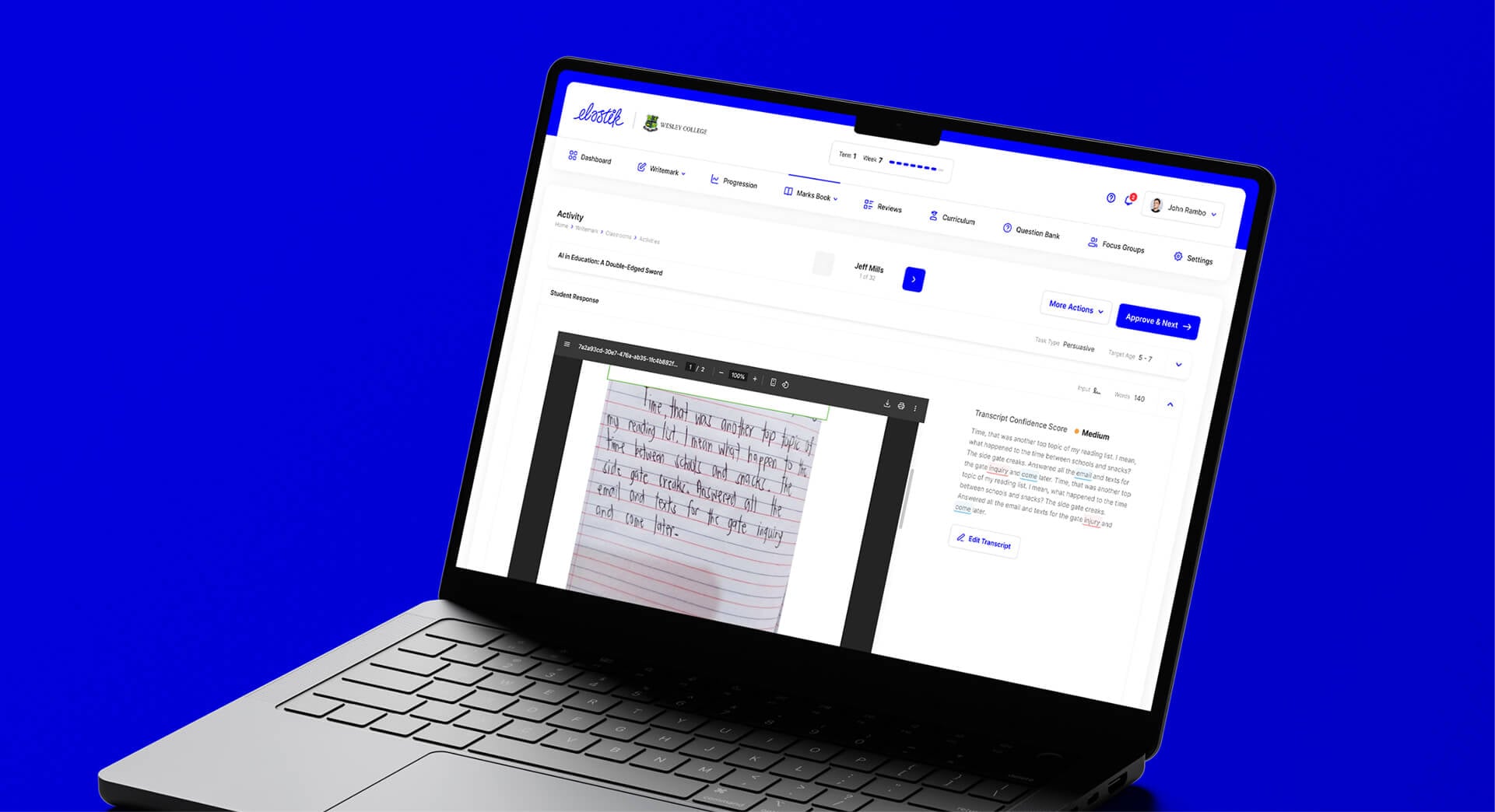
The other half of AI work is putting AI inside an existing product. The hard questions are design questions: how much to automate, how to show the AI’s confidence, how people check and correct its output, and what happens when it’s wrong. At Elastik, a global education platform, I design AI features for teachers (see EdTech).
I’ve done the same for computer vision with the University of Western Australia, where the product has to make a model’s detections clear enough to plan roads with (see Transport), and in concept work for an assistant for mining teams that drafts and lets people approve (see Mining).
Who this suits
Founders with a working AI-built prototype and real users or a launch date. SaaS teams adding AI to a product people already rely on.
Talk AIEdTech
Designed for the teacher, not the procurement meeting
EdTech is the clearest case of software built for the buyer. A school or district signs the contract. A teacher has to make it work live, in front of 28 students, with the bell about to ring.
And the teacher has plenty of alternatives. A typical US district accessed 2,982 different edtech tools in the 2024–25 school year, and the average educator used 50 (LearnPlatform by Instructure, EdTech Top 40). A product that takes extra effort mid-lesson gets dropped for one that doesn’t.
The lesson in progress
The most common tasks done in seconds, one-handed if needed, while managing a room.
Several users in one product
Teachers, students, school admins and sometimes parents, each seeing a different product built on the same data.
Weekly rhythms
Planning on Sunday night, teaching on Monday, marking on Thursday. Each moment needs a different screen.
AI that saves time
Lesson and feedback tools teachers can check and edit quickly, rather than another thing to supervise.
Selected work
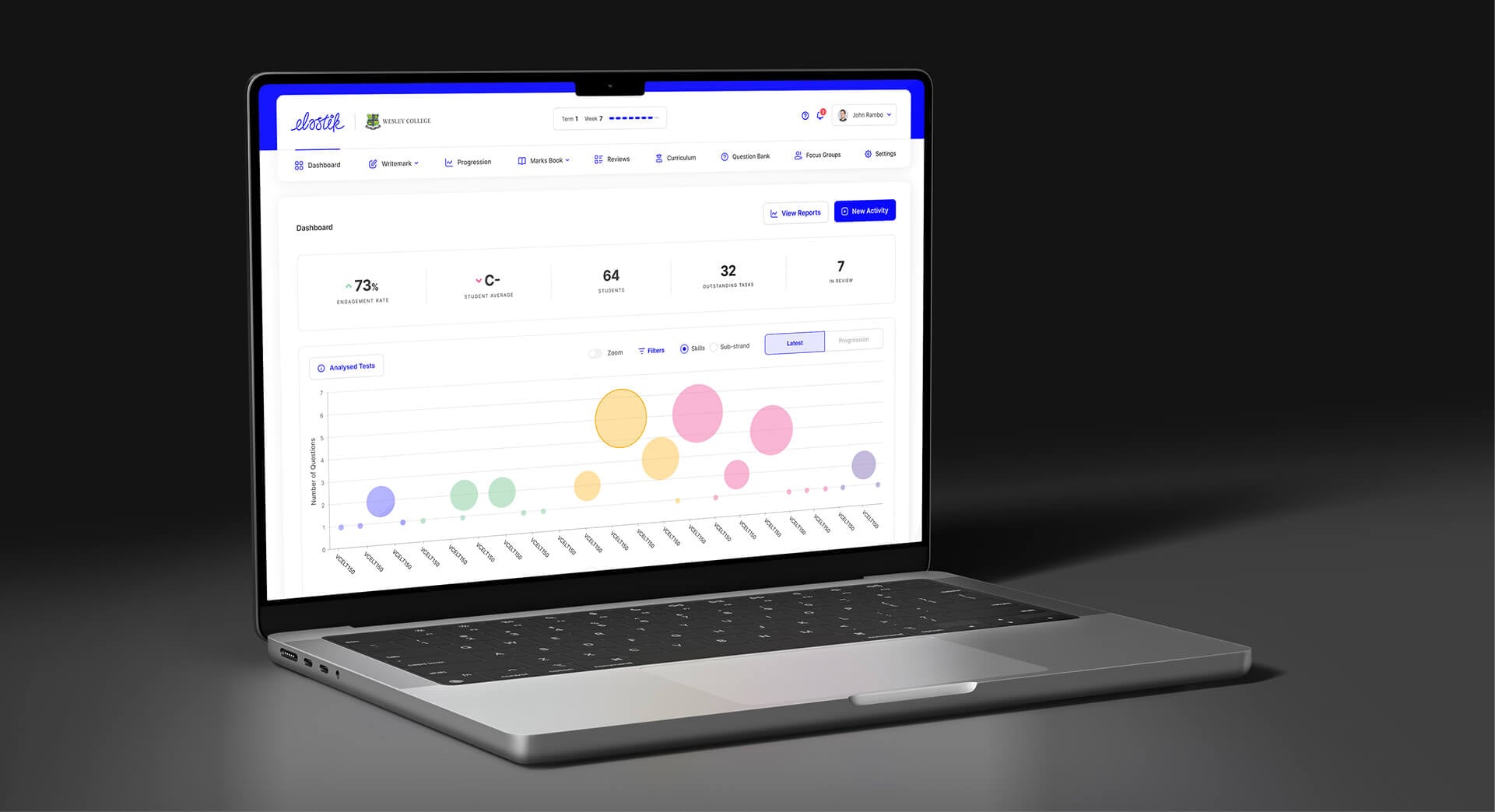
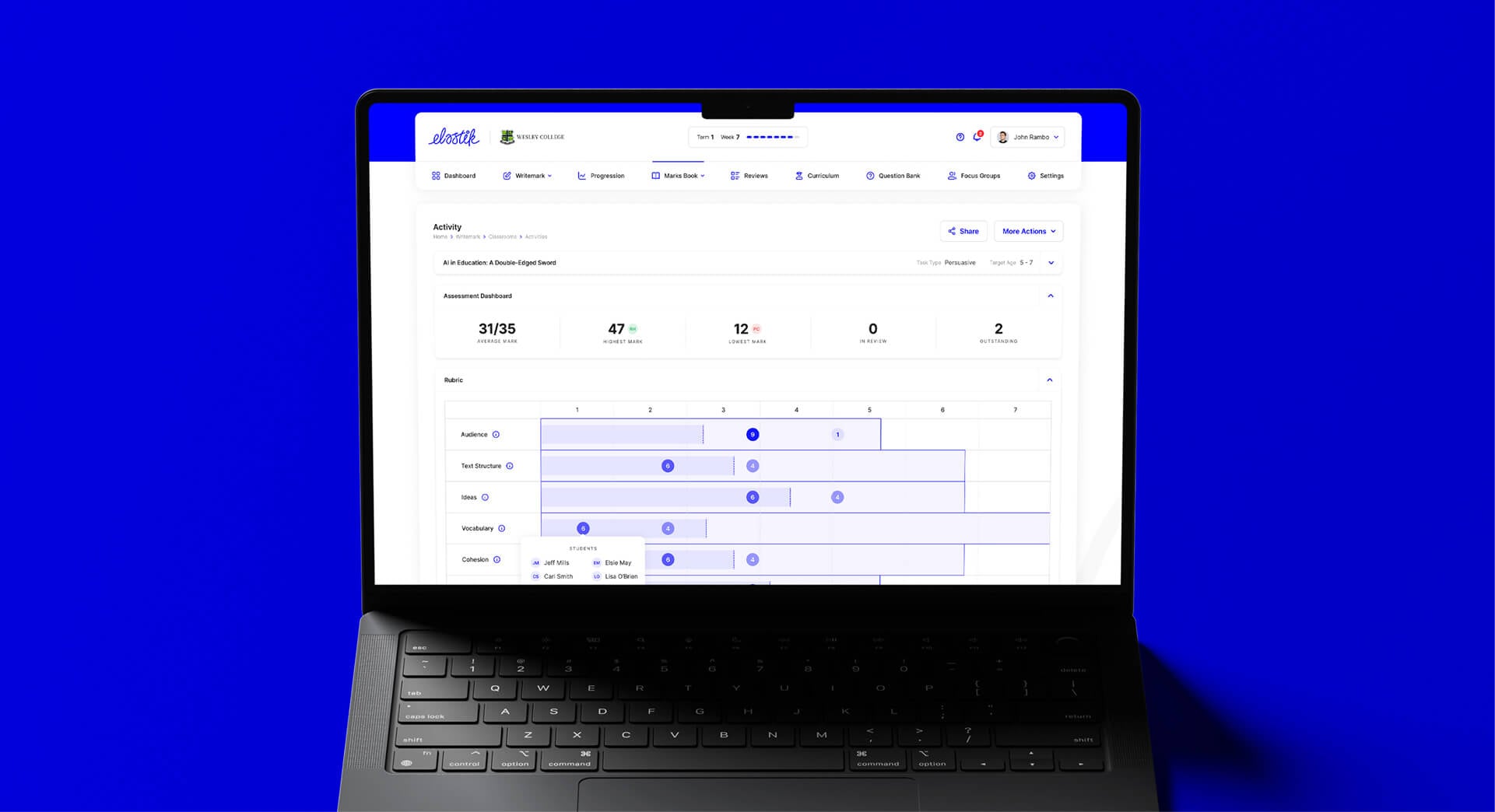
Elastik, a global education platform. I’ve worked with the team on AI product design, UX and UI.
Who this suits
EdTech SaaS teams whose product is bought by schools but lives or dies on whether teachers keep using it.
Talk EdTechEnergy
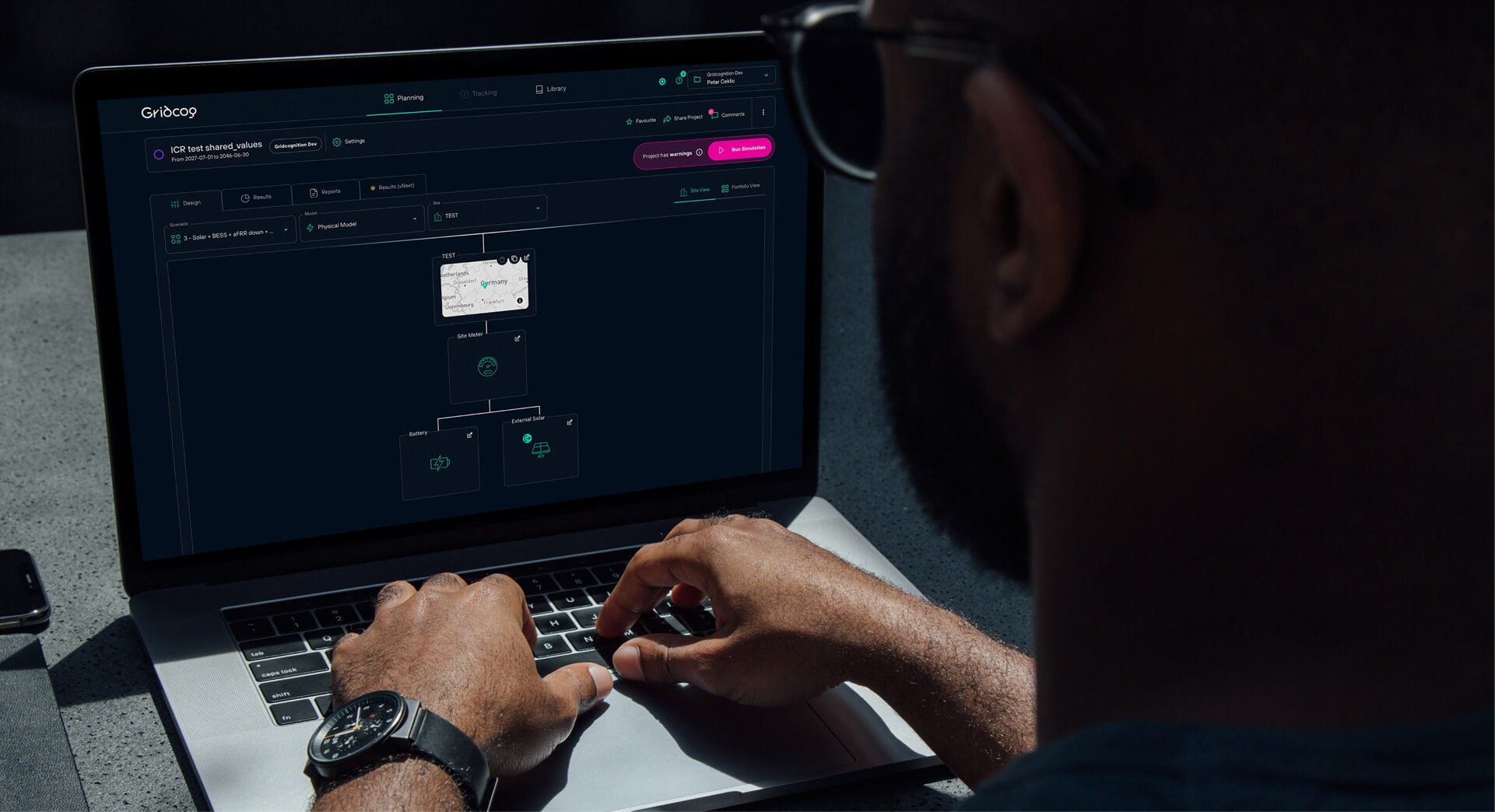
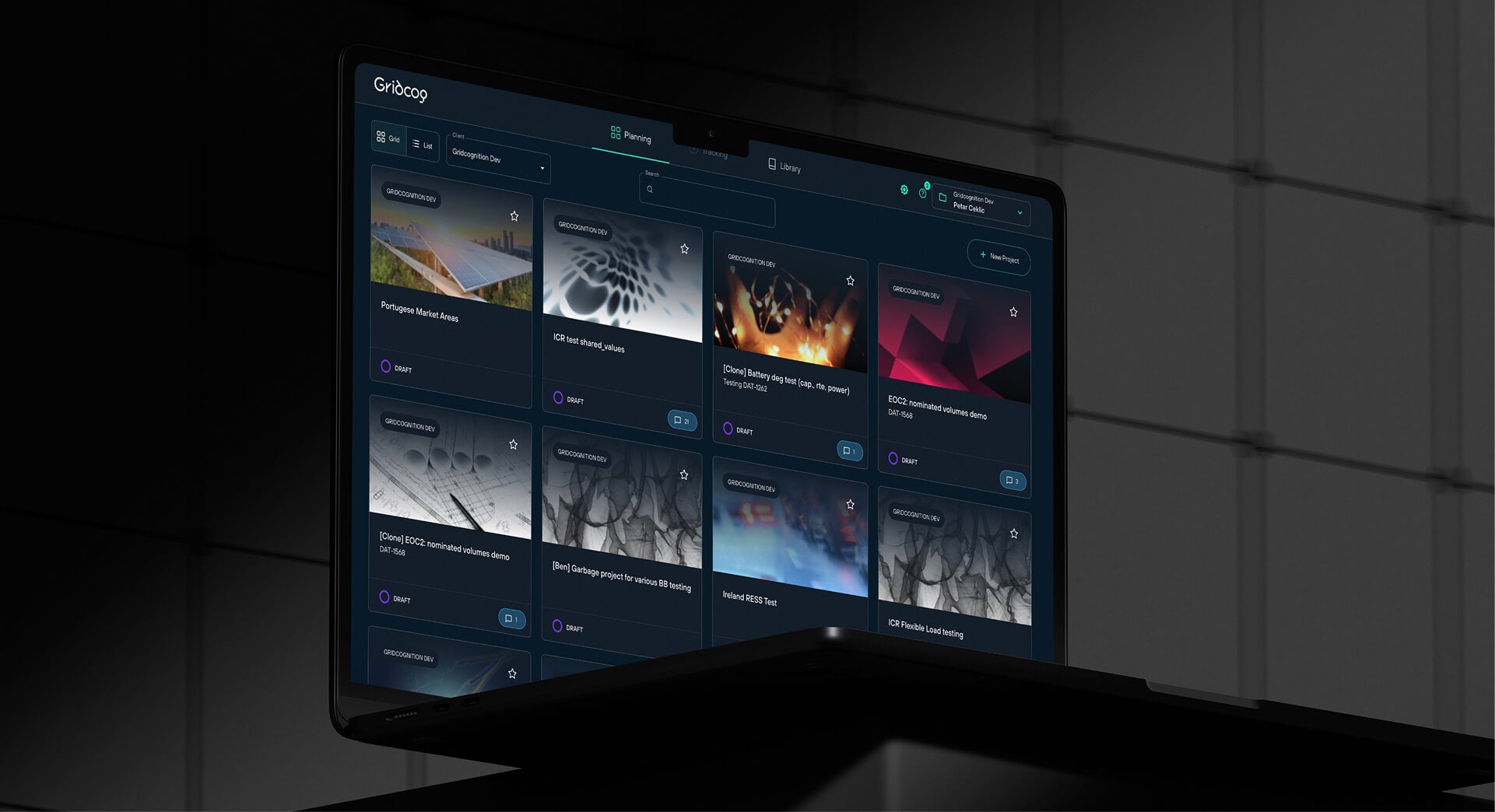
Energy modelling: expert tools that non-experts can read
Energy software has two audiences who never sit in the same room. Engineers and analysts build the model: tariffs, load profiles, solar, batteries, dozens of scenarios. Investors and executives get the answer and decide whether to spend millions on it.
The design job is serving both without slowing either down.
Dense inputs, no spreadsheet feel
Hundreds of parameters, grouped so an engineer moves fast and a newcomer can find their way.
Comparing scenarios
The real question is usually “which option, and why”, so the product has to make the differences obvious.
Results people trust
Showing the assumptions behind a number, so the output survives a board meeting.
Long-running work
Models that take minutes to run need clear progress, saved state and no lost work.
Selected work
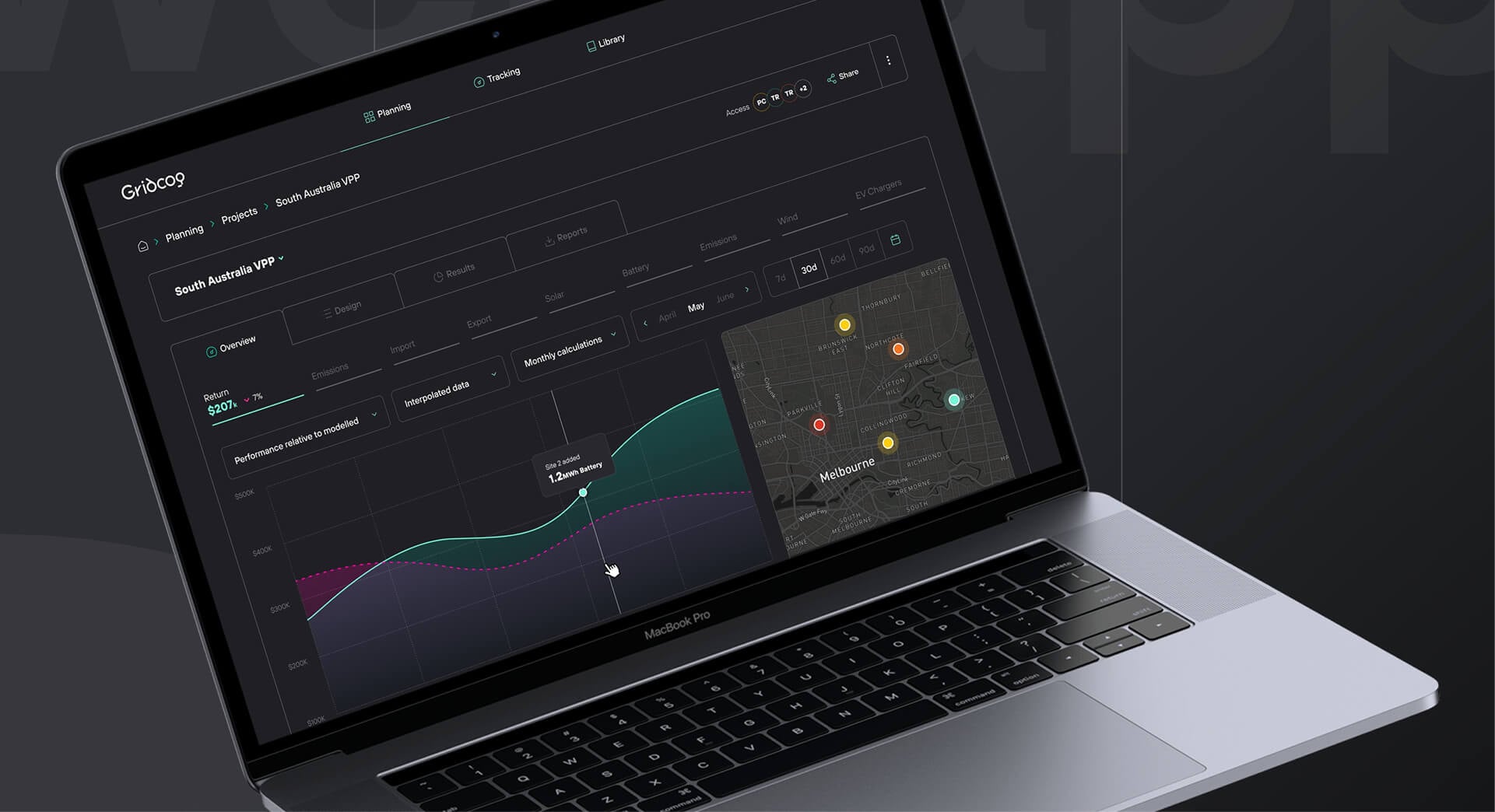
Gridcog, a clean energy modelling platform used to plan and assess energy projects. Product strategy, UX and UI.
Who this suits
Energy and industrial software teams with expert users and high-stakes data.
Talk energyMining and resources
Software for the field and the control room
Perth is one of the world’s mining capitals, and mining software has to work in places most SaaS never goes: on a tablet in the field, on a laptop at a remote site with a weak connection, or on a wall screen in an operations centre.

Field conditions
Gloves, glare, dust and patchy connectivity. Data captured offline and synced later without conflicts.
Data that has to be right
Geological samples, survey points and production numbers feed decisions worth millions. The interface has to make errors hard to make and easy to spot.
Specialist users
Geologists, engineers and operators know their domain far better than any designer. The work is learning their workflow before changing it.
Personnel logistics
Getting hundreds of people to a remote site and home again: rosters, flights, camp rooms and manifests, all changing daily. One late change ripples through every other screen.
Selected work
- A personnel logistics platform for mining and resources (client under NDA). I’m designing the product and built its coded design system, so the engineering team works from one source of truth.
- Concept work for an AI assistant for mining teams, told through a maintenance planner at a Pilbara mine: from the invite email to onboarding to the everyday home. The assistant drafts; the planner approves.
Who this suits
Resources and industrial software teams with expert users and high-stakes data.
Talk miningTransport and computer vision
Turning video into data planners can act on
Computer vision can now watch an intersection for a week and count every car, bike and pedestrian. The hard part is no longer the model. It’s the product around it: getting footage in, making millions of detections understandable, and handing engineers something they can put in a report.

Trust in the output
Planners won’t use a count they can’t check. The product has to let them see what the model saw, and where it might be wrong.
From footage to answers
Uploading video is the easy screen. Filtering by site, time and mode, then comparing before and after a change, is where the real work happens.
Several audiences
Transport engineers want exports and detail. Councils and executives want the headline and a chart for the board paper.
A product that can grow
New sites, new transport modes and new analyses keep arriving, so the design system has to absorb them without the product feeling bolted together.
Selected work
A computer vision platform for the University of Western Australia (UWA) that turns standard camera and drone footage into movement data across every transport mode, for intersection performance, transport safety, active transport planning and impact assessment. I designed and built its design system (tokens, components and a published Storybook the product imports as one source of truth) and its marketing site.
Who this suits
AI and computer vision teams whose model works, and who now need a product people trust enough to make decisions with.
Talk transportOperations software
Rostering, timesheets, logistics and farms: the software that runs the day
Operational software has a simple test. If it’s slow or confusing, people go back to the spreadsheet, the whiteboard or the phone call. Then the business is paying for a product nobody uses.
These products usually share three traits: lots of records, many roles, and work that repeats every day or week. That’s where small design decisions add up.
Workforce and rostering
Building a roster is a puzzle with awards, availability, skills and budgets. The manager needs to see conflicts before publishing, and staff need to check shifts on their phone in ten seconds.
Time and attendance
Clocking on, approving timesheets and running payroll. The approver’s screen matters as much as the employee’s, because one manager may approve 200 timesheets on a Monday.
Logistics and delivery
Usually several apps around one job: a dispatcher on a desktop, a driver on a phone, a customer tracking a delivery. They only work if they’re designed as one system.
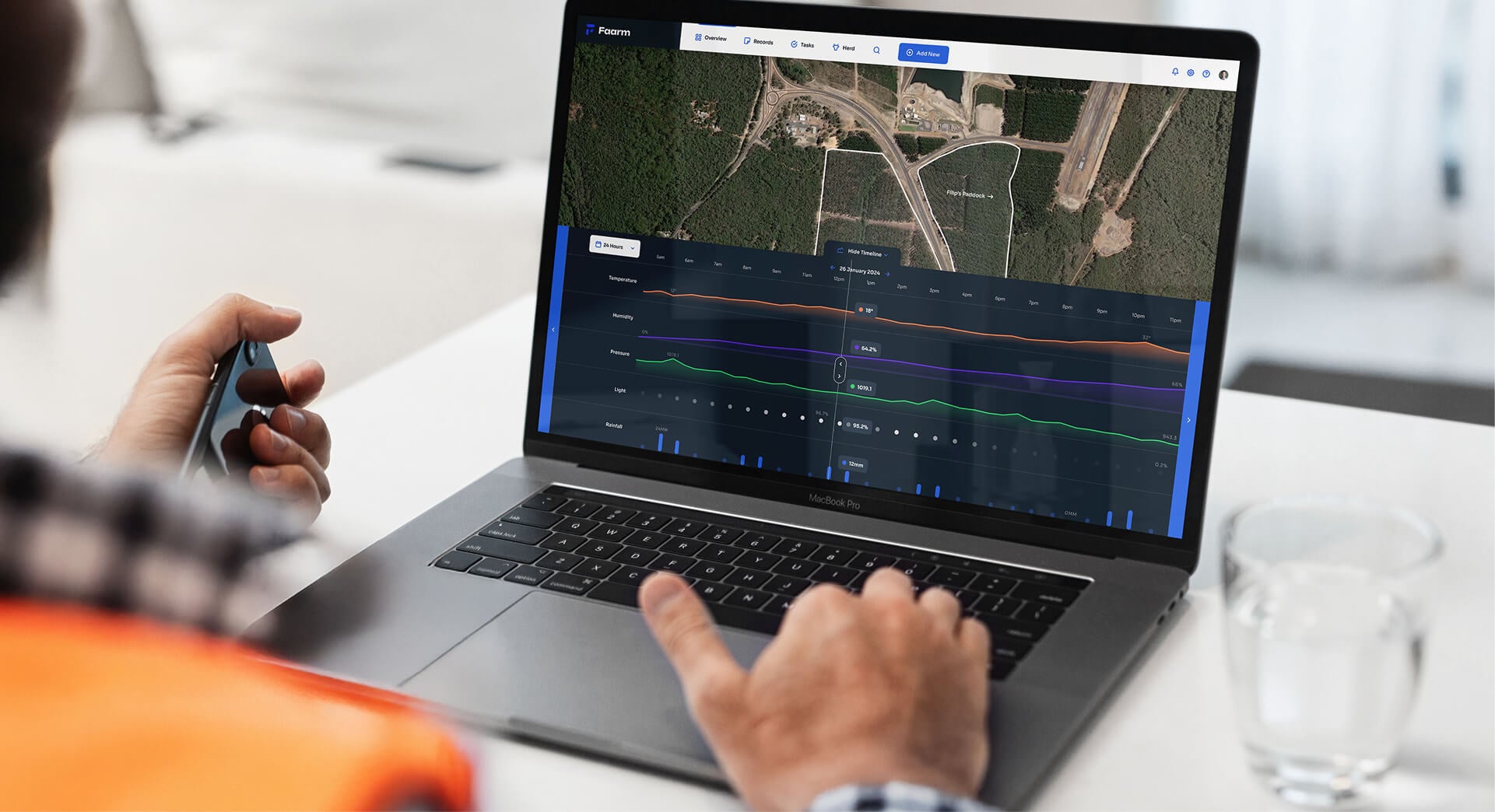
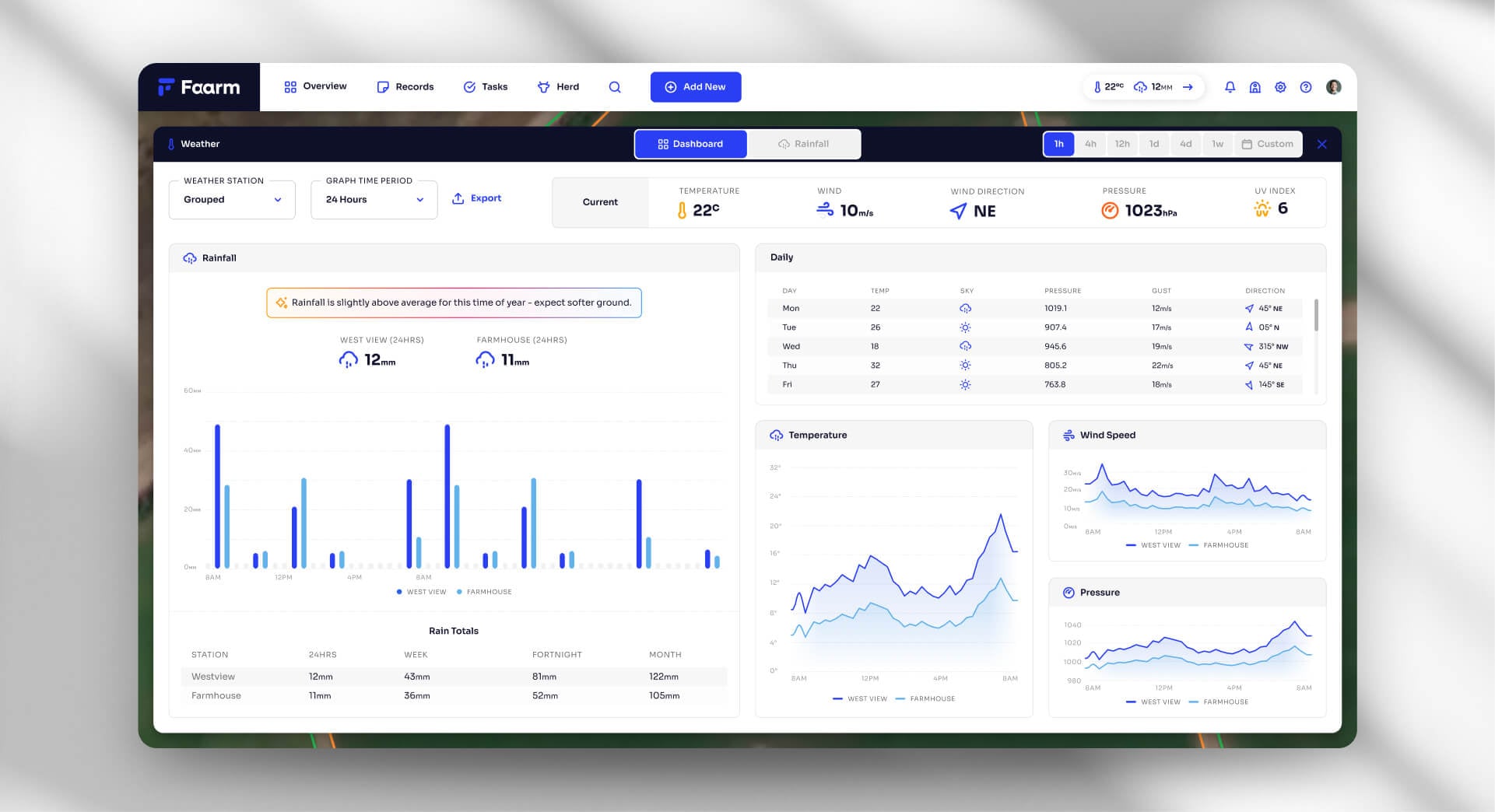
AgTech
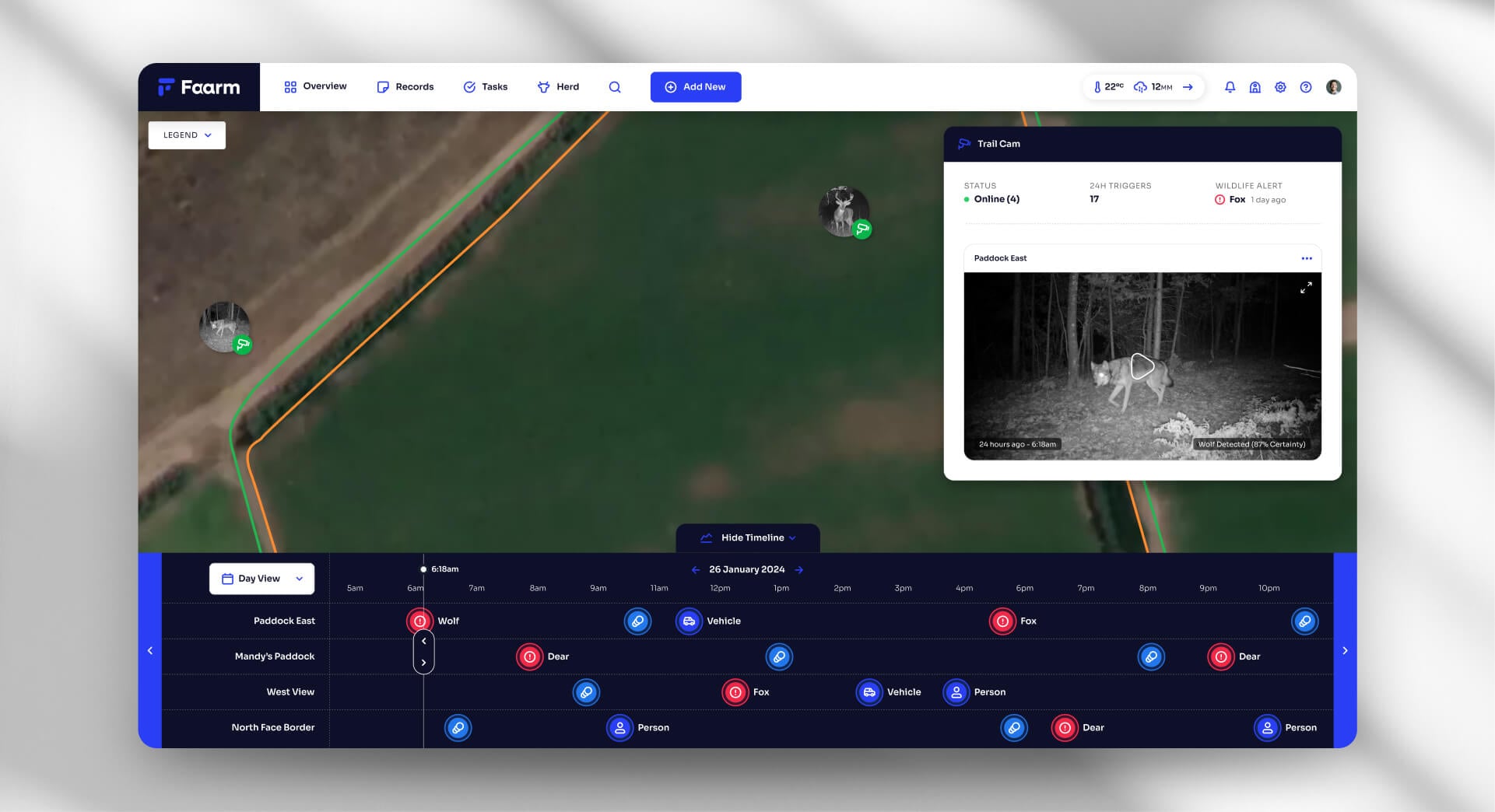
Farm management for people who’d rather be outside. Quick entry, offline use, and records that make sense at the end of the season.
Selected work
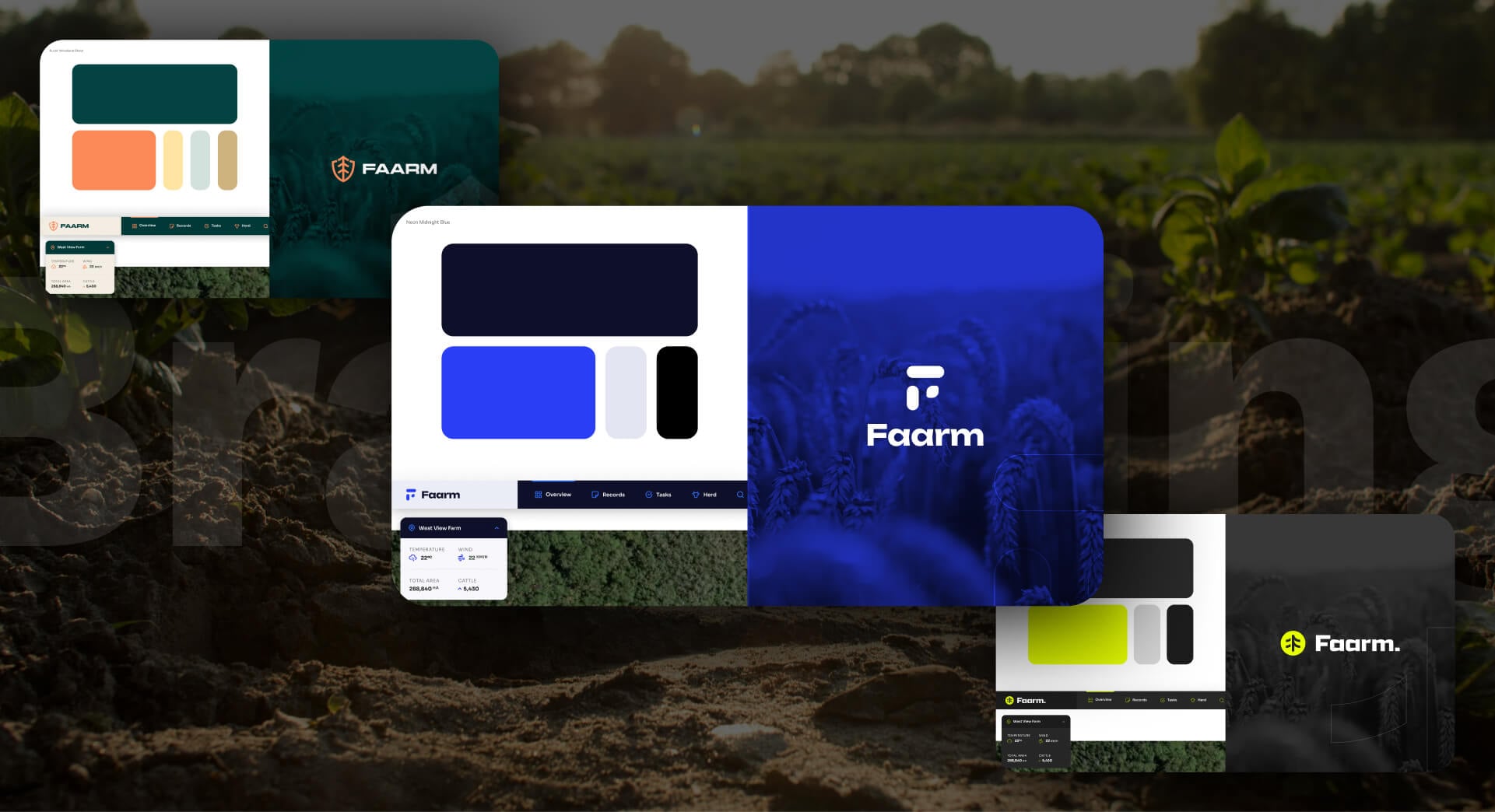
- Faarm, a farm management platform. UX, UI and branding.
- A personnel logistics platform for mining teams, under NDA (see Mining).
Who this suits
Operational SaaS where the people using it every day aren’t the people who bought it.
Talk operationsEverything else
Enterprise, government, consumer and agency work
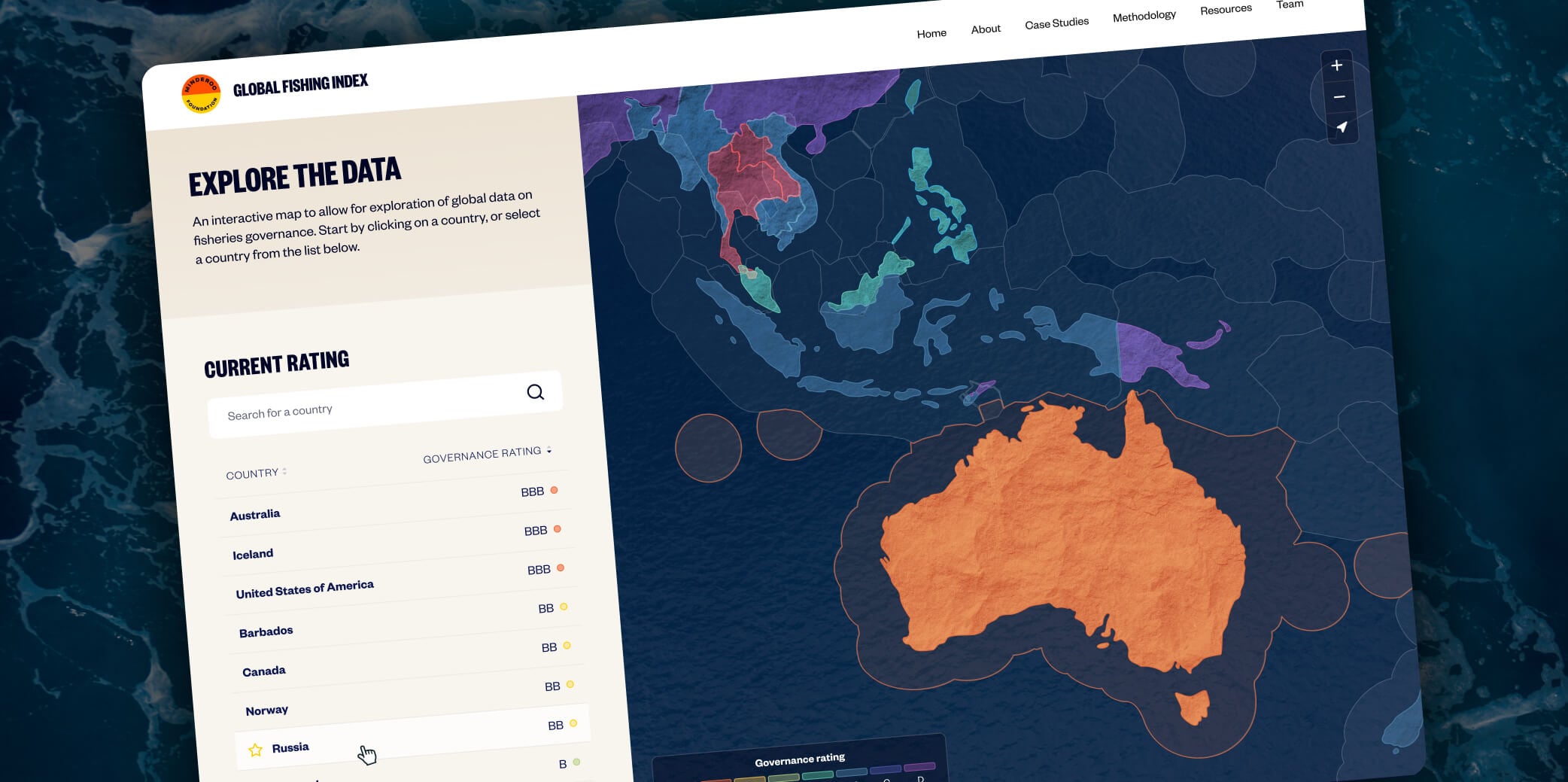
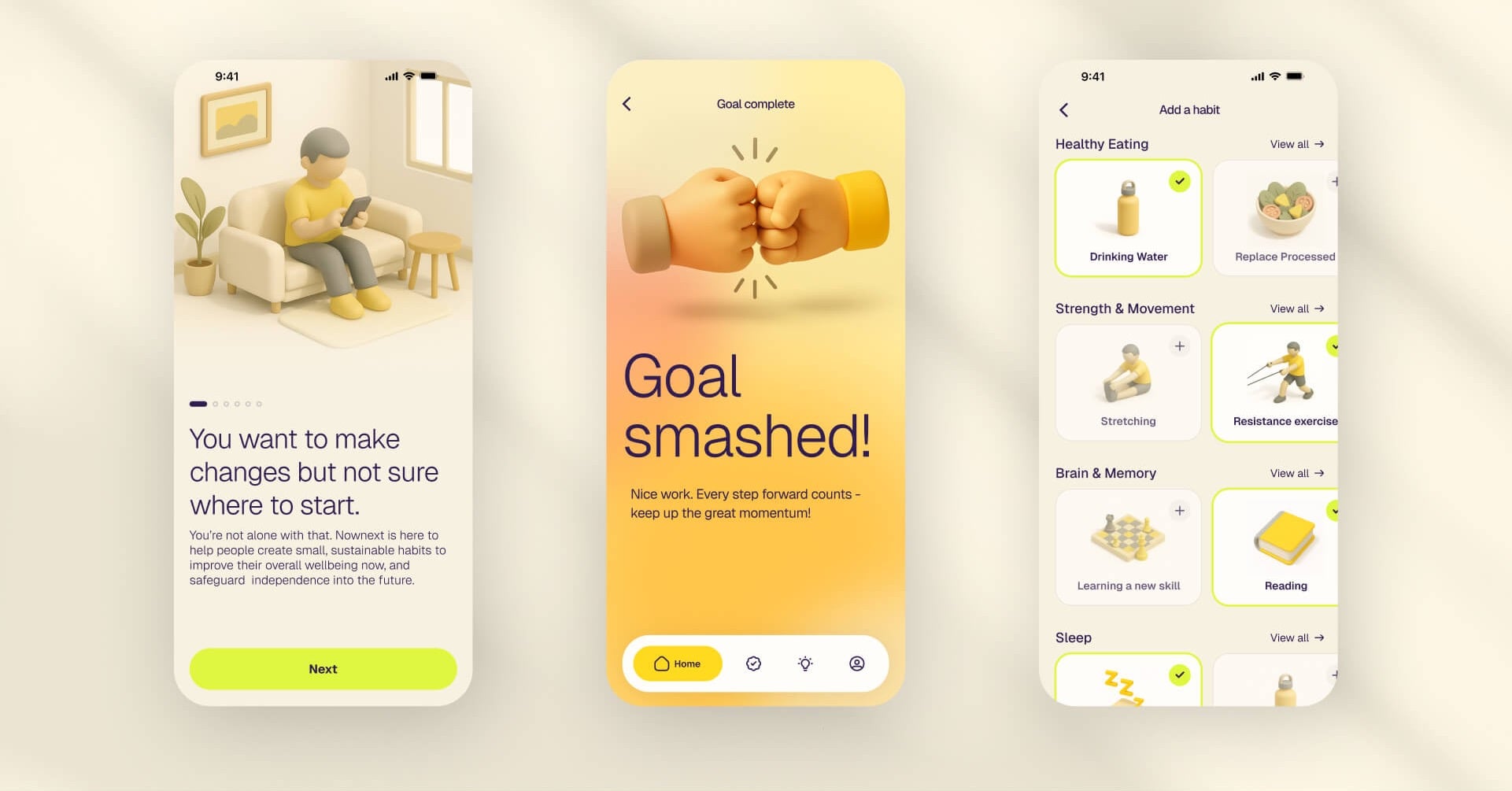
Over 30 years I’ve also designed for enterprise platforms, government services, consumer apps and design agencies. For agencies like Anthologie, I work white-label inside their tools and templates, so their team presents the work as their own.
If your industry isn’t listed, the question that matters is whether your users spend real hours in your product. If they do, we’ll have plenty to talk about.
Let's talk
How we’d start
Tell me what the product is, who uses it, and what’s not working. I reply within a day. If it looks like a fit, we’ll have a 15-minute call, or a coffee if you’re in Perth.
I take on one or two new projects a quarter.